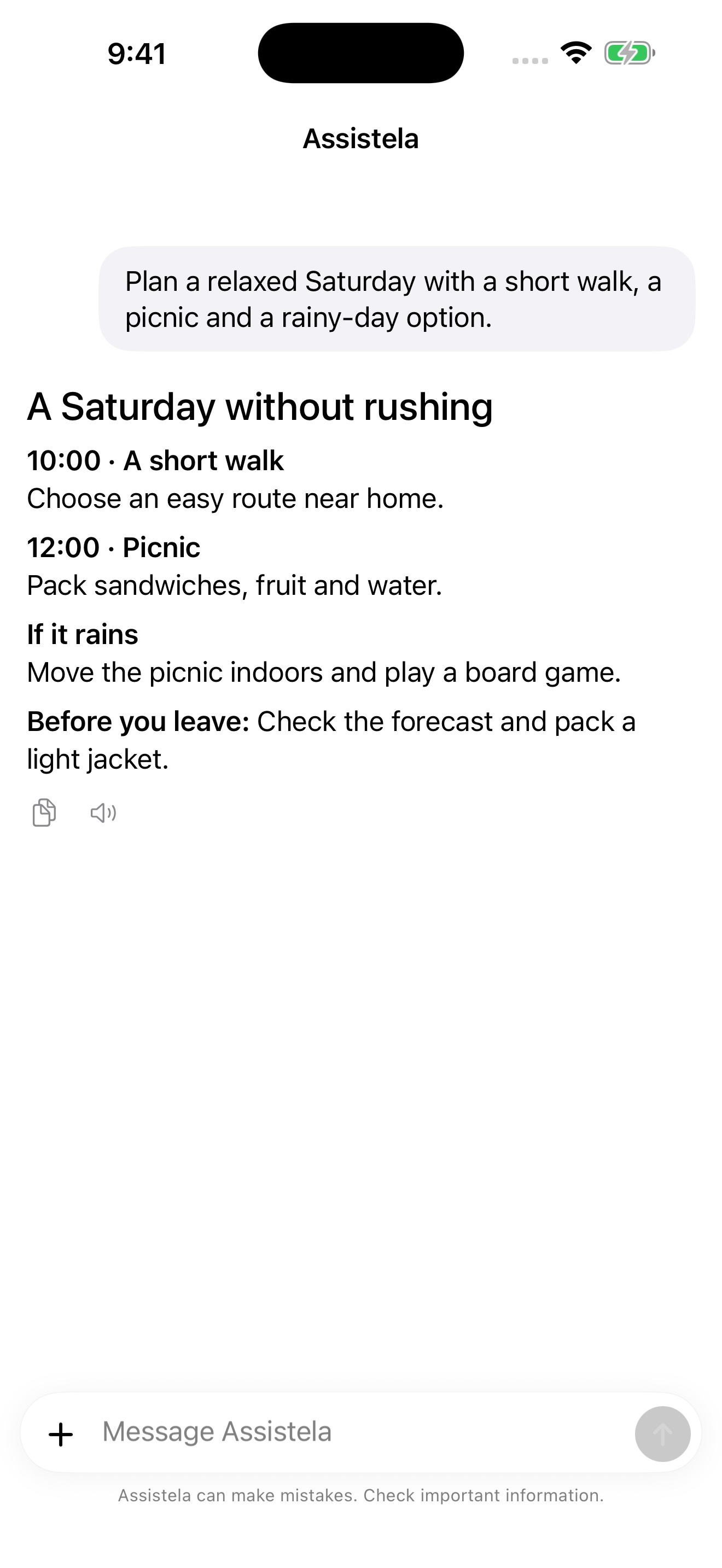
A standalone assistant on your iPhone or iPad. Your conversations, memory and files stay in its own workspace. Connect your chosen AI provider and the services you want to use.
Works without a Mac
Email, calendar, reminders and other services
iOS / iPadOS 16+
From iOS 26, a task already in progress can continue after you leave the app. iOS still controls scheduling and background execution.
Android · 2.0.34 (3877) Open the downloaded APK and allow installation from your browser when Android asks.
A local app does not automatically mean offline AI. In the standalone app, you connect your own supported AI provider; its services may carry separate costs.
A simple connection
Pair once. Pick up the conversation anywhere.
In your main Assistela app, open device pairing and display a pairing QR code. Open Assistela Client on your phone and scan it. The connection between paired devices is encrypted.
When your main app runs on a Mac, leave it awake and connected to the internet. The Client does not replace the main app.